Demo Builder visual 01
Demo Builder
Turn screens and feature notes into a clear walkthrough for launches, demos, help docs, and follow-up emails.
A clear problem, the relevant workflow, visible product proof, and a next step that matches the sales conversation.
Name the role, current friction, and reason the workflow matters
Show the shortest path from starting point to useful outcome
Use screens and examples that make the result concrete
Prepare the sequence for demos, follow-up, launches, and onboarding
Connect the user role, starting problem, product steps, and practical outcome in one easy-to-follow sequence.
Reuse the same approved product story across release posts, demo calls, follow-up material, and customer education.
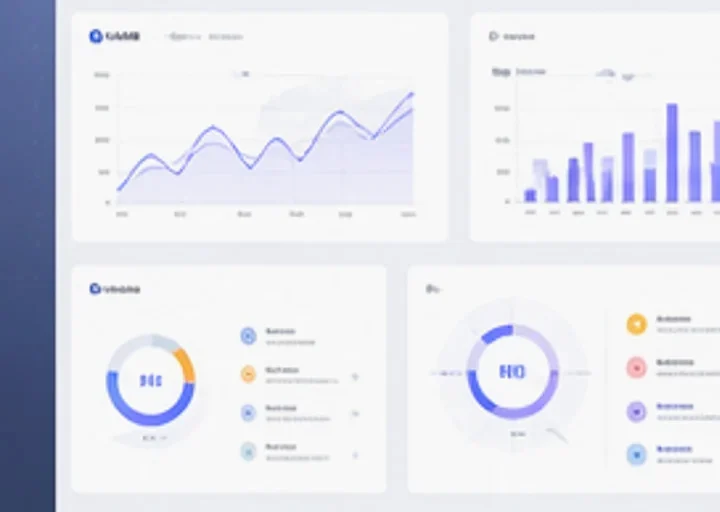
Connect the buyer's starting point, the product steps, and the practical outcome without overloading the story.
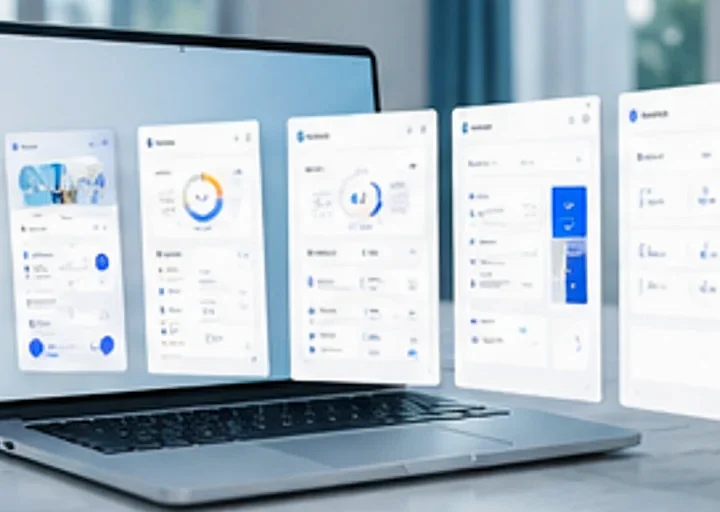
Prepare release graphics, walkthrough frames, annotated screens, and clear feature comparisons.
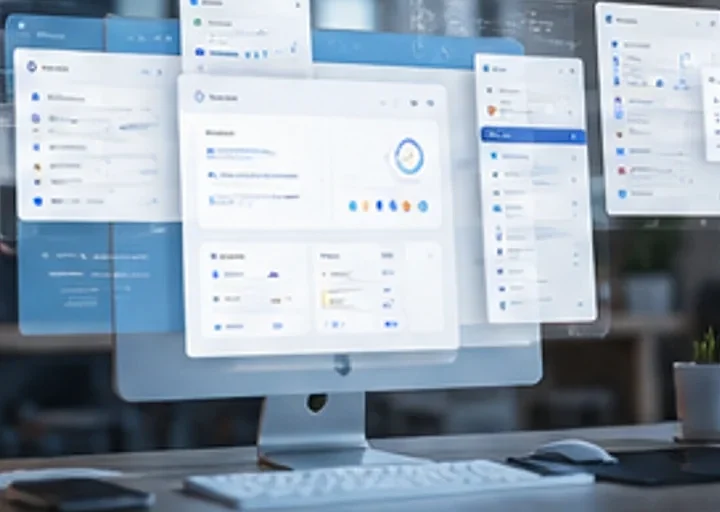
Reuse approved product visuals in decks, recap emails, one-pagers, and onboarding material.
Introduce a release, prepare a demo, answer a sales question, or guide a new customer through the first workflow.
Explain what changed with annotated screens, comparison frames, and concise launch graphics.
Prepare the screens and transitions that keep a walkthrough focused on the buyer's workflow.
Turn the product story into recap slides and visuals matched to the conversation.
Show a new user where to start, what to do next, and what useful result to expect.
Define the audience and outcome, map the product steps, build the supporting visuals, and package them for the meeting.
Start with one role, one workflow problem, and the result they care about.
Select the few screens and actions needed to explain the workflow clearly.
Create annotated screens, feature scenes, comparisons, and transition frames.
Prepare versions for release notes, live demos, sales decks, follow-up, and onboarding.
Build product walkthroughs, release graphics, annotated screens, sales decks, and onboarding sequences.
Preparing curated app examples for this homepage.
Start with one workflow and turn the approved screens into a clear sequence for launch, sales, and onboarding.